See Your Patch on a Jacket, Hoodie or Cap
Upload your logo and see your custom patch on a real hoodie, T-shirt, bomber jacket or cap, in five colors each, before you order. Our AI cuts the background out for you. It is free and there is no sign-up.
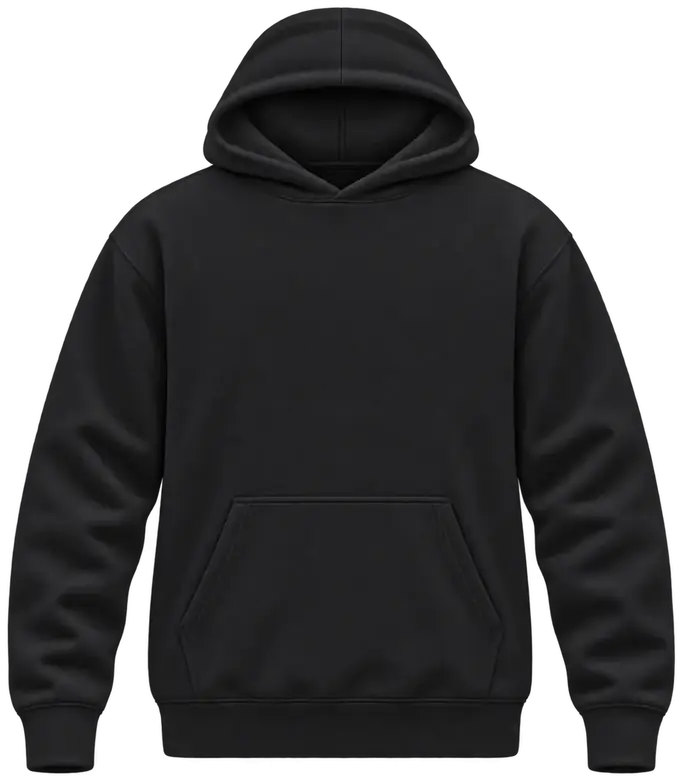
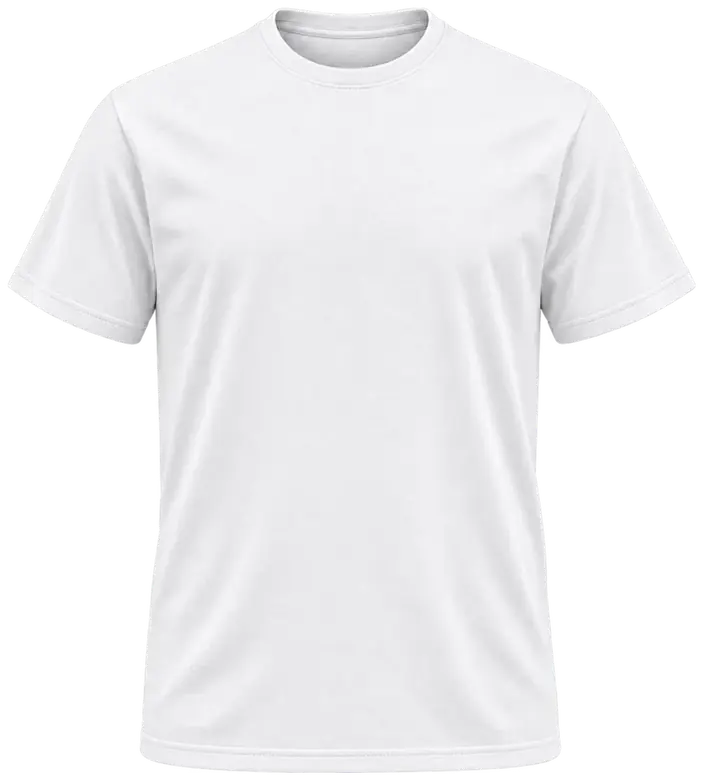
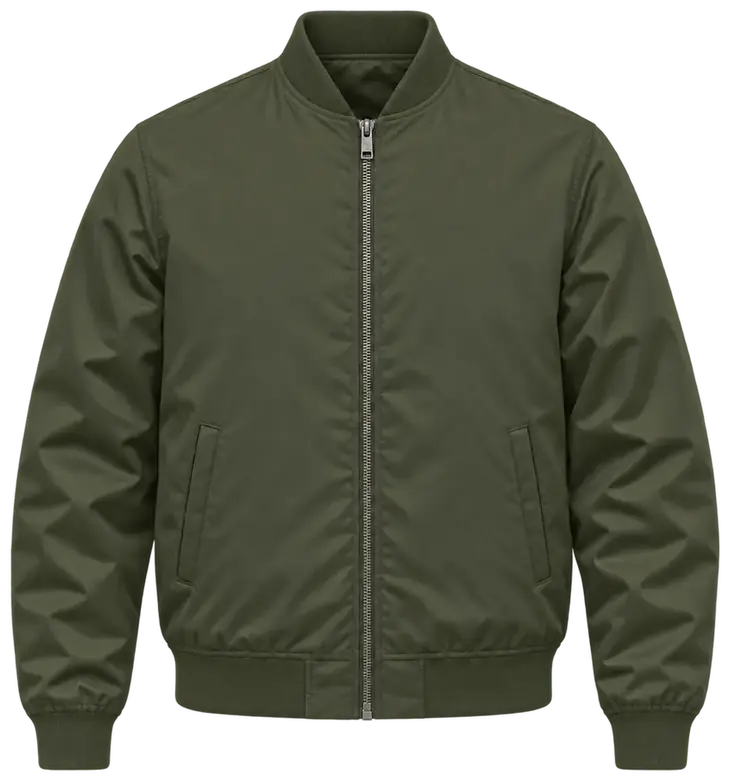
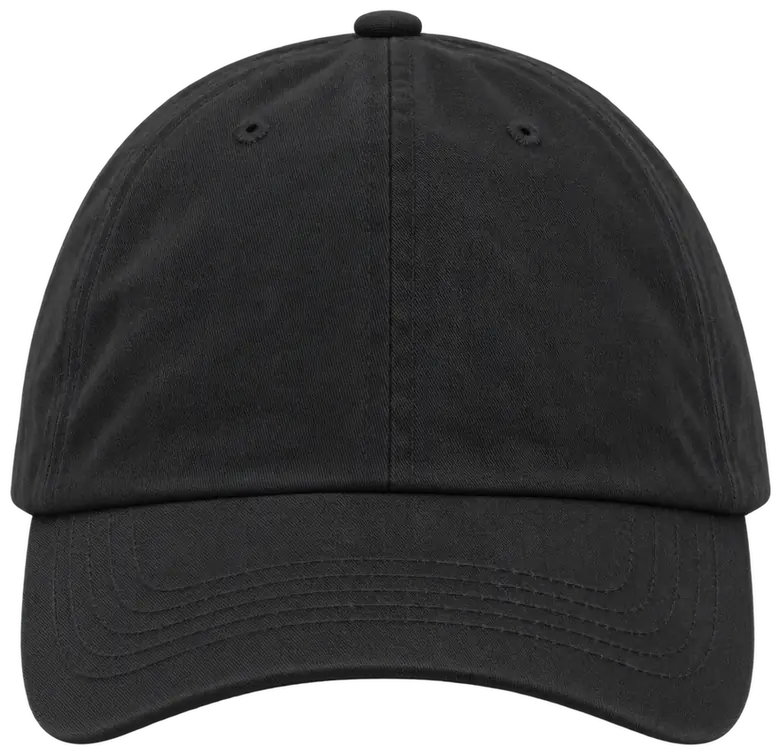
How it works
- Upload your logo or patch design. PNG, JPG or WebP. A photo of a sketch works too.
- Cut it out. The smart cut-out removes the background in one click, or erase by hand.
- Place it. Pick the garment, color and spot: chest, back, sleeve or cap front. Drag to move, use the handles to resize and rotate. The size shows in inches.
- Save it or send it to us. Save the picture to share with your club or team, or send it and get a free mockup and your exact price within 12-24 hours.
Why preview a patch on clothing first?
A patch that looks right on screen can look too small on a back panel or too big on a cap. Seeing it at real size on the garment helps you pick the right size before you pay. Most chest patches are 3 to 4 inches, cap patches 2 to 3 inches and back patches 10 to 12 inches. Our patch size chart has the full list.
Ready for a price?
Use the custom patch price calculator to see your exact price per patch in seconds. Orders start at 25 pieces.
Questions
Is the patch designer free?
Yes. It is free to use, with no account or email needed. You only pay if you order patches.
Does it work on a phone?
Yes. It works in any modern browser on a phone, tablet or computer. The first smart cut-out can take up to a minute on a phone while the AI loads.
Will the real patch look like the preview?
The preview shows size and placement. Before production we send a proper digital mockup, then a physical sample for you to approve, so you see the real thread and colors first.